We hear everywhere that ChatGPT is capable of doing incredible things—creating images, writing texts, analyzing photos, and much more. Some even claim it will replace web developers. After all, there are already numerous AI tools that can build websites. Personally, I’ve never worked with code or programming, so I’m not sure if that’s really the case. I decided to run a test, though, as I wanted to create a small, customized widget for Notion and see how we, regular users, can leverage ChatGPT for code creation.
1 - Prompt
First, I politely ask ChatGPT to step into the role of a developer and provide the instructions.
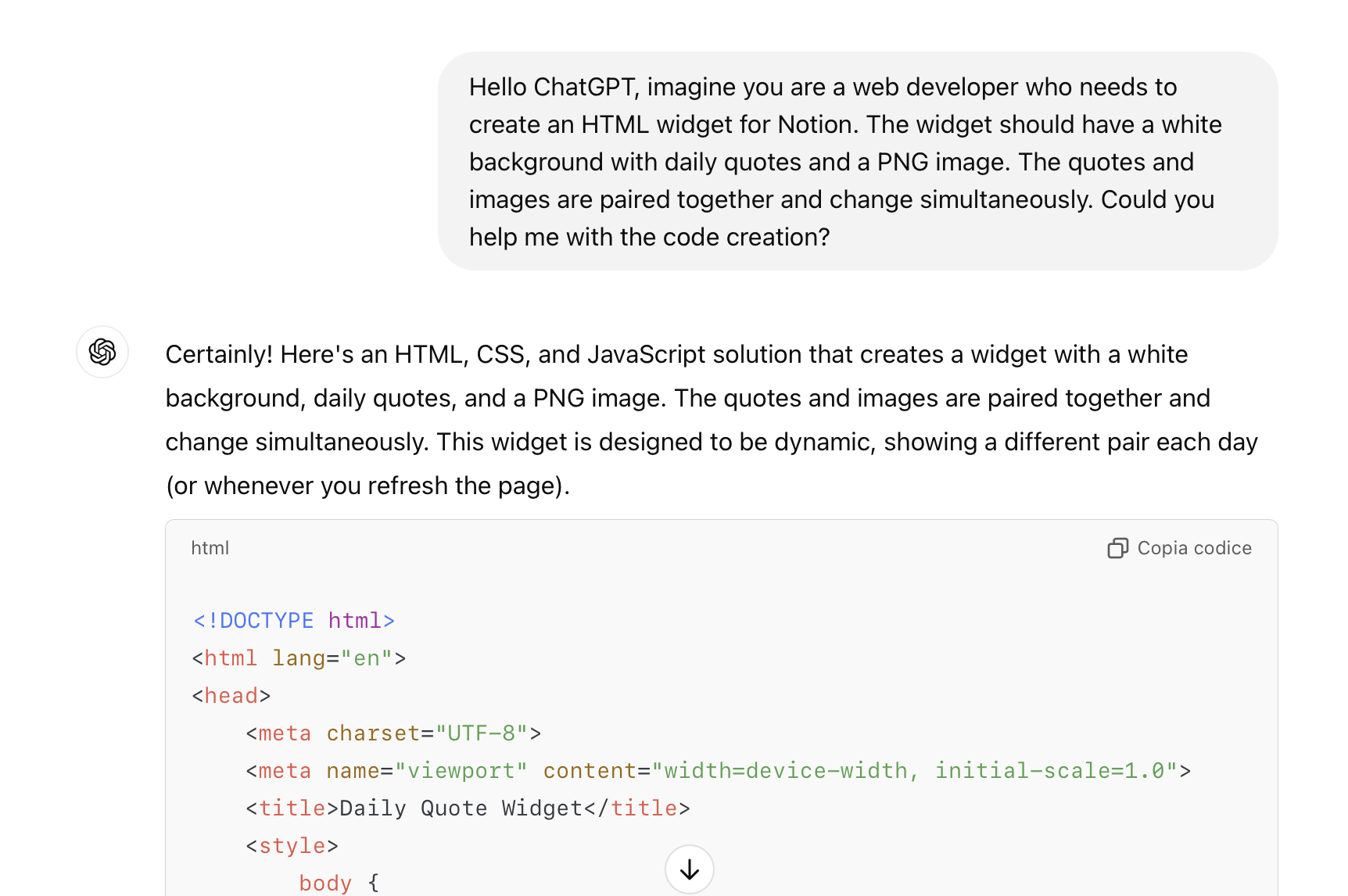
2 - It also provides me with the instructions.
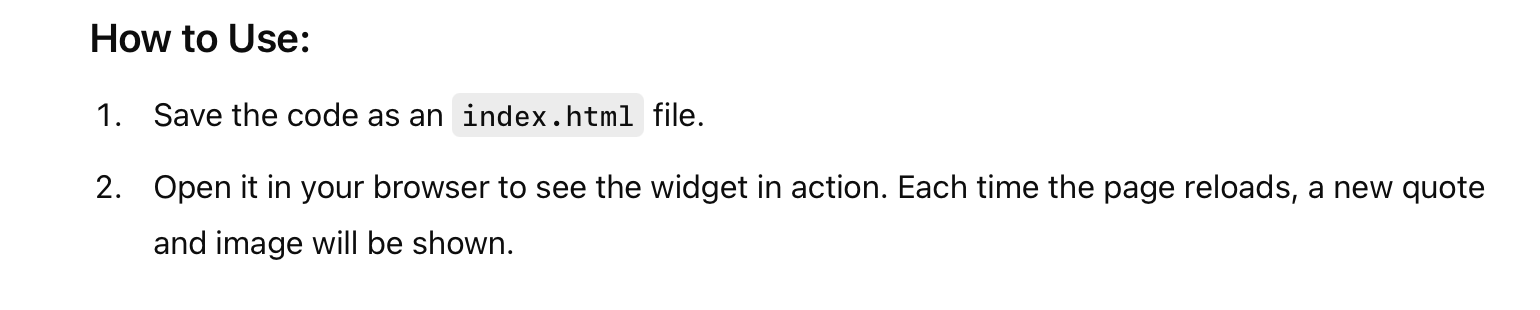
3 - Alternatives
It can’t make it work with TextEdit on macOS, so ChatGPT suggests using VS Code. I download it, paste the code, and proceed.
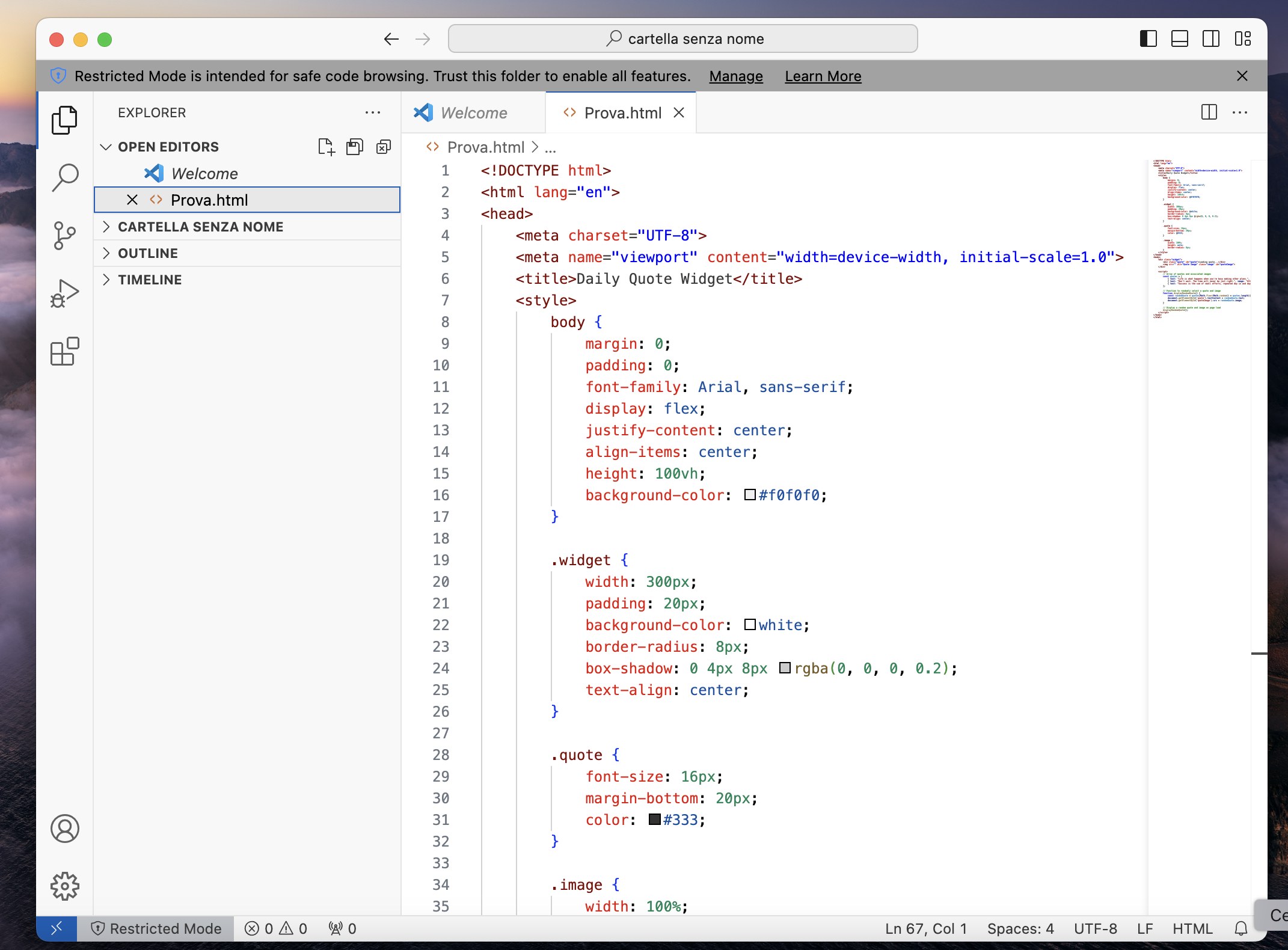
4 - Here is the final result
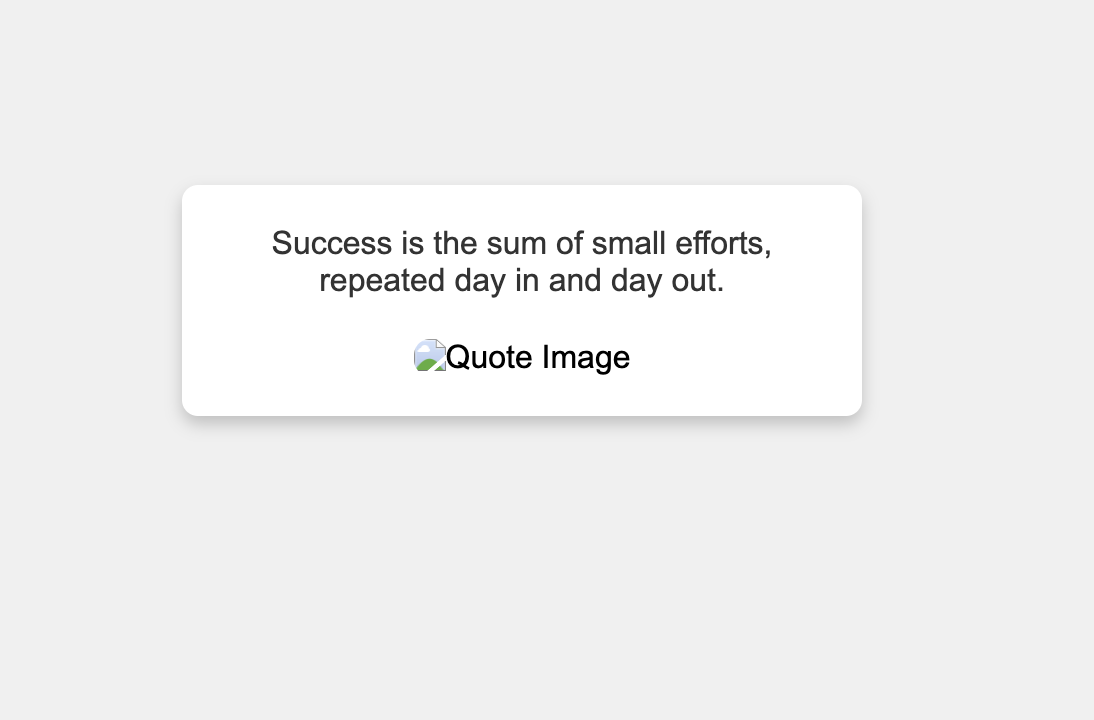
Since I saved it on the desktop, it's a local file, so I can't embed it in Notion. I’ll give it a try with Apption.co (as suggested in the instructions), and here it is.
The attempts to add the images were unsuccessful.
I have to admit, I expected a better result. Of course, I could have been more creative and figured out a way to display the images properly. Alternatively, I could have uploaded the code to a hosting provider directly. Since I don’t have the expertise to assess the code's quality, I relied on ChatGPT’s capabilities, trusting that everything would be flawless.
For now, I’ll stick with using widgets I find online.